If you’ve been using Claude Code in your terminal, you already know how powerful it is for local development. But did you know you can extend Claude Code’s capabilities directly into your GitHub repository and customize its behavior with lifecycle hooks?
In this post, we’ll walk through how to set up Claude Code to automatically review pull requests, fix issues in GitHub, and execute custom code using hooks.
1. Setting up the GitHub Integration
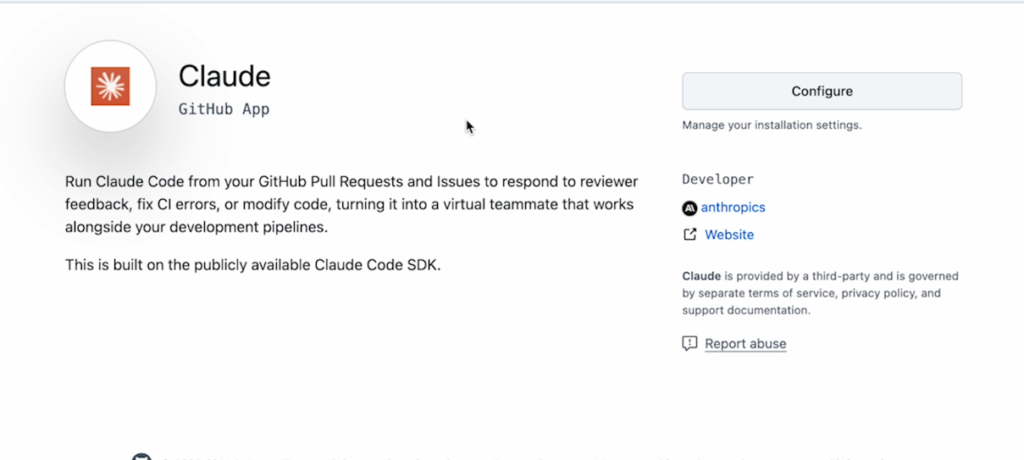
To use Claude Code outside of the terminal, we need to install its built-in GitHub integration, which is powered by its underlying software development kit (SDK).
To do this, simply run the following command in your terminal: /install-GitHub-app
This command will prompt you to authenticate via your command line interface and will open your browser to authorize the app. You will be asked to specify which workflows you want to install—such as tagging Claude in issues and enabling automated PR reviews—and to create a long-lived token.
2. Automated Code Reviews on Pull Requests
Once the setup is complete, Claude will automatically generate a pull request containing YAML configuration files for GitHub Actions. Out of the box, these default configurations enable bug fixes, testing, and code reviews.
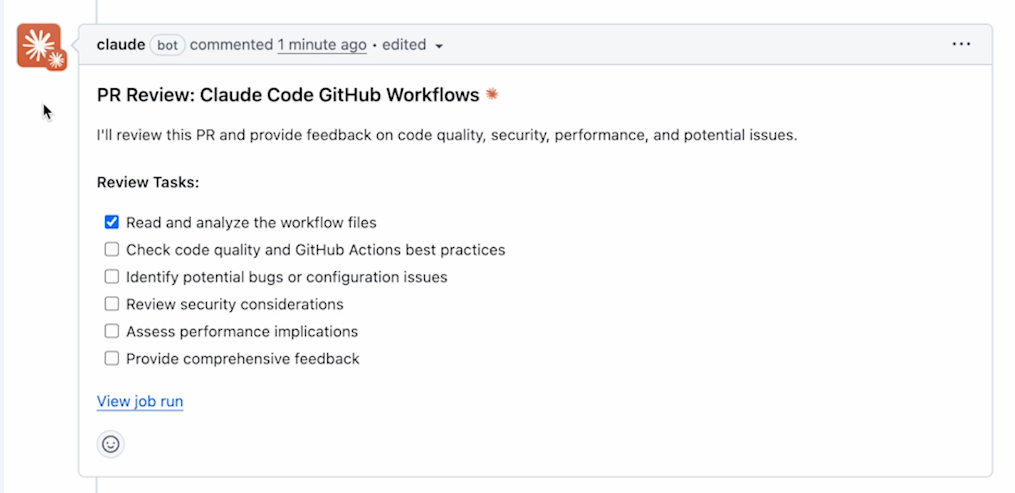
Once you merge this initial setup PR, Claude becomes your newest automated teammate. For all future pull requests, a Claude GitHub Action will trigger automatically to:
- Read and analyze files
- Check code quality
- Identify security considerations
3. Resolving GitHub Issues Autonomously
Claude doesn’t just review code; it can also write it directly from GitHub issues.
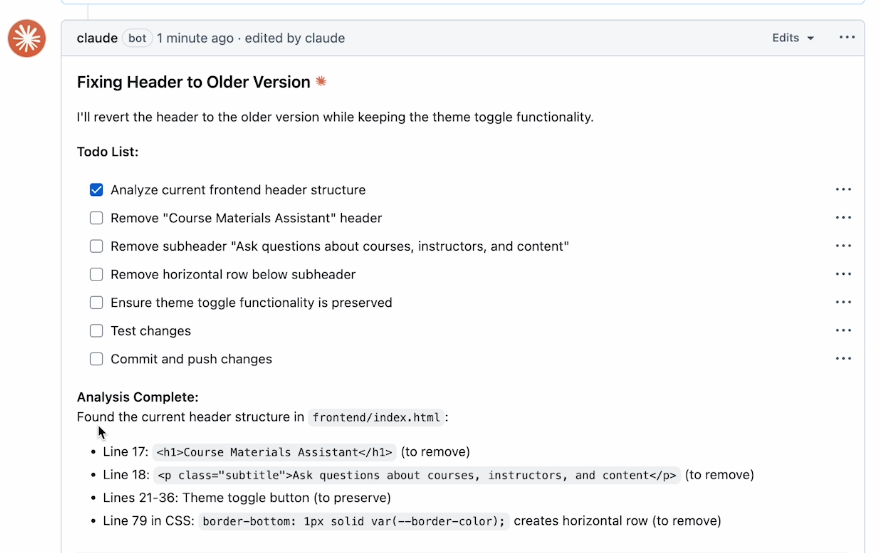
Imagine someone on your team creates an issue asking to revert a recently added UI header, specifically requesting to “remove the Course Materials Assistant header” and the horizontal row, while keeping the theme toggle intact.
Instead of assigning a human developer, you can simply tag Claude in the issue comments (e.g., “Claude, can you fix this for me?”). Claude will then:
- Spin up a job to analyze the repository structure.
- Create a plan to modify the codebase.
- Test the changes, commit them, and automatically generate a new Pull Request with the fix.
Fascinatingly, because we set up automated PR reviews earlier, Claude will even double-check and review its own code before you merge it in!
4. Customizing Operations with Hooks
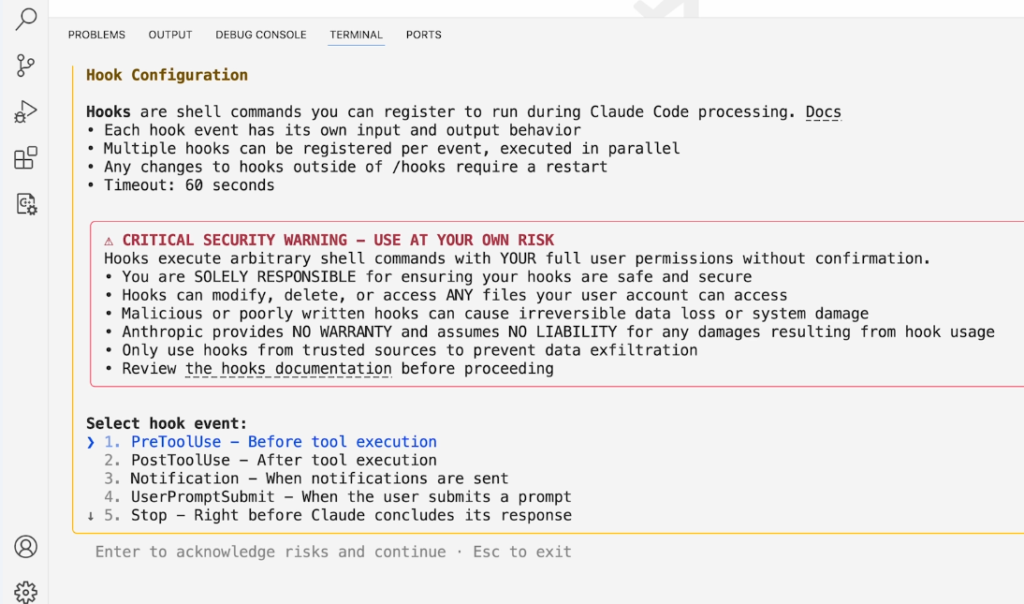
Another incredibly powerful feature recently added to Claude Code is Hooks. Hooks allow you to inject and execute custom scripts at any point in the lifecycle of Claude Code’s operations (e.g., before a tool is executed, after a notification is sent, or when a subagent concludes).
To configure this, type /hooks in your terminal to open the configuration manager.
As a fun example, you can create a PostToolUse hook. You can define a “matcher” so that anytime Claude uses the Read or Grep tools, it triggers your computer’s audio to literally speak the words “All done!” using the terminal say command.
These configurations are saved safely in your project’s .claude/settings.local.json file. While making your computer talk is a fun trick, hooks can be used for serious automation, like strictly running tests or linters after every file modification, or preventing certain tools from running altogether.
What’s Next?
By integrating Claude Code with GitHub and utilizing local hooks, you can drastically reduce manual review times and automate repetitive tasks. Up next, you can even explore using Claude Code in slightly different environments, like refactoring Jupyter notebooks and creating data dashboards